
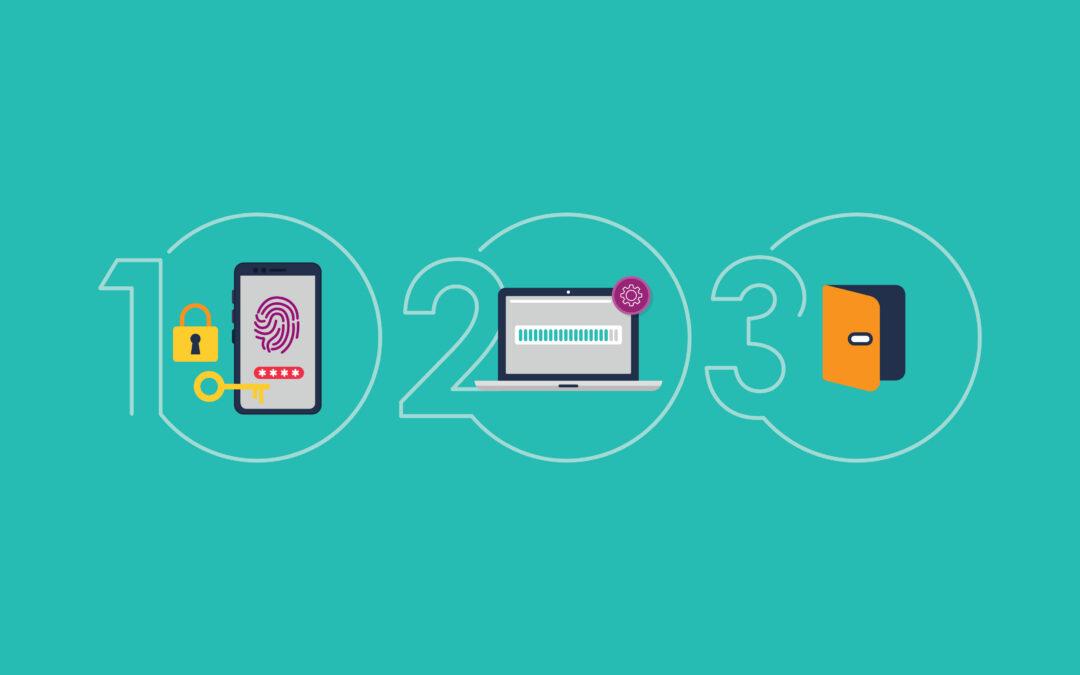
Keeping your school, staff and ākonga safer online can feel overwhelming, especially when you’re trying to understand tech jargon and figure out what actions you need to take first.
In honour of Cyber Smart Week, Andrew Hood, our Senior Product Manager for Security Services, shares his top three tips that make the biggest difference to your school’s security posture, and why AI makes them even more important today.
1. Use Multi-Factor Authentication
Passwords are easy to steal or guess. Multi-Factor Authentication (MFA) simply asks for a second quick check (like entering a code sent to your phone or email) before allowing you to log in to your accounts.
- Think of it like: Having both a keycard and a PIN code to get into the main office. Even if someone finds your keycard, they still can’t get inside.
- Why AI changes things: Smart tools can now write super convincing fake emails that look just like a real message from your principal or IT specialist. If someone accidentally gives away their password after clicking on a fake link, MFA steps in and stops the bad actors in their tracks.
2. Install your software updates (Patching)
Software updates aren’t just there to give you new features, they fix bugs and hidden security risks that developers have found in your systems.
- Think of it like: Repairing a loose latch on your office window as soon as you notice it, so no one can slip through later.
- Why AI changes things: Online attackers now use smart tools to search the internet for unpatched systems in minutes. Keeping updates automated means the ‘latch’ gets fixed before anyone even notices it was broken.
3. Regularly review open ports
Network ports are like digital doors that let information flow in and out of your school’s network. If a port is left open when it’s no longer in use, it’s an invitation for unwanted visitors.
- Think of it like: Walking around the school grounds at the end of the day to make sure the office doors and back gates are locked.
- Why AI changes things: New AI attack tools allow amateur scammers to have the skills of the most highly trained hackers in the world. These tools can find and exploit services quickly – so closing unused ports means they’re cut off from the internet, leaving the hacker with nothing to attack.
The quick takeaway
Cyber threats move faster now thanks to AI’s smart automation, but defending your school doesn’t require a big budget or technical know-how. By turning on MFA for logins, keeping software updated and closing unused open ports, you can improve your security posture and help protect your school community.
If you’d like to hear more from N4L, or see more blogs like this, why not subscribe?