Tap an area to explore MyN4L


More visibility.
More control.
To help manage your school’s online environment, we’ve built a free self-service platform with smart and simple tools designed specifically for schools, kura and IT providers.
The tools in MyN4L build on the services we already provide showing what’s happening on your network and allowing you to make changes in a few clicks – helping to make things a bit easier to manage.

MyN4L
MyN4L
Network Monitor

Quick visibility
Quickly diagnose issues with switches and access points.
Network control
Check authentication and encryption methods on each network to see if you have the appropriate security measures in place.
Note: Equipment Replacement required.
Register for MyN4L and we’ll be in touch

Web Filtering
Custom web filters
Customised filtering that allows you to choose which websites are blocked and allowed on your school network.
Track changes and requests
View filtering changes previously requested.
Note: Managed Network connection required.
Register for MyN4L and we’ll be in touch
Guest Access
Easily manage the many types of guests and their needs for different levels of access to your school’s network.
Total flexibility
Whether it’s access to the internet only or to printing and casting too, choose which type of access you provide to different guests.
Easy removal
Remove access for any guests should security concerns arise.
Note: Secure Access required.
Register for MyN4L and we’ll be in touch
Device Registration
Add and remove third-party and shared devices, such as printers and CCTV, from your Wi-Fi network.
Authenticated and encrypted
All devices connected through Device Registration are properly authenticated and encrypted.
See all devices on network
Have visibility of third-party and shared devices connected to your network.
Note: Secure Access required.
Register for MyN4L and we’ll be in touch
Online Activity
See what websites are being accessed on your school’s network down to the individual user.
Monitor inappropriate access
Identify when ākonga or their devices may have attempted to access inappropriate websites.
Guide responsible internet conversations
Help guide conversations with ākonga about responsible use of the internet or any inappropriate websites they may have viewed.
Note: Secure Access required.
Register for MyN4L and we’ll be in touch
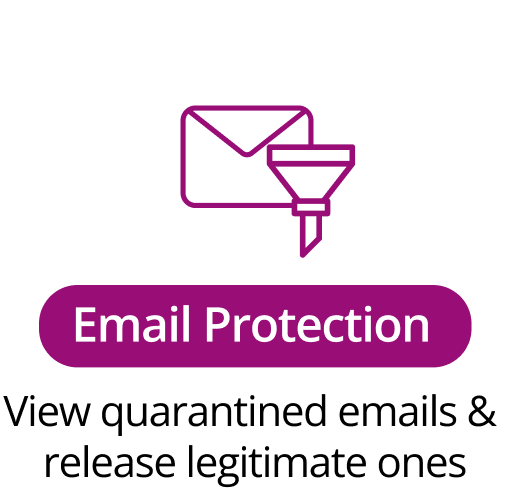
Email Protection
Manage the release of legitimate emails that have been marked as potentially malicious or spam, and placed in quarantine.
Quarantine unsafe emails
Emails that are potentially malicious or spam will be placed into quarantine.
Release safe quarantined emails
Safely view and release any legitimate emails from quarantine to the correct recipient.
Note: N4L’s Email Protection required.